How to name locations on Google, hint, use storefront name
Originally published
- How-to Guides
TL:DROur advice = Use your real life storefront name for locations on Google & Google my Business.
But beware, this is not something that flies well with the wary algorithms of Google. Their rules for naming your location and venues are clear. It should correspond with the name used on the storefront. So if your venues do not have individual names on their actual sign on the building it is advised not to use custom names in PinMeTo and subsequently on Google and Google my Business locations.
Altogether we think it is a no brainer. If you as an administrator/owner of locations need to keep track of your venues you should do so with a method that does not require custom names. There are other ways, and if you need any help with it please do not hesitate to contact us support@pinmeto.com.
here.

Recommended Articles

How to Create Local Content That AI Search Engines Actually Cite
Optimize local content for AI search engines. Learn what makes AI cite your pages, plus a practical content audit framework for multi-location brands.
Marcus Olsson
Local SEO Ranking Factors 2026: A Practical Guide for Multi-Location Brands
A 2026 guide to local SEO ranking factors: Google's relevance, distance, and prominence, plus AI Overviews, review recency, and multi-platform strategy.
Astghik Nikoghosyan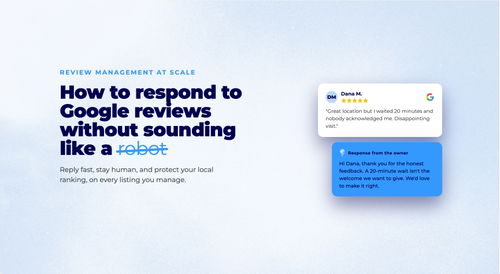
How to Respond to Google Reviews at Scale Without Sounding Like a Robot
Manage review responses across dozens of locations without losing authenticity. Templates, timing, and a workflow for enterprise-scale review management.
Daniel MelkerssonSubscribe to Our Newsletter
Get local SEO tips, product updates, and marketing insights for multi-location brands delivered to your inbox.
Ready to boost your local visibility?
See how PinMeTo helps multi-location brands manage listings, reviews, and local SEO at scale.
Book a Demo