12 Tips on How to Use Google for Your Chain Business
Originally published
- Multi-Location
- Google Business Profile
- How-to Guides
Most people use Google as their search engine of choice because Google Maps and Google Search are built into most major desktop and mobile apps. Google Business Profile lets business owners manage one or more locations from a single dashboard. Follow these easy tips from experts to stay ahead of the game.
12 Google Business Profile tips for chain businesses
ProTip #1 - Start using Google Business Profile
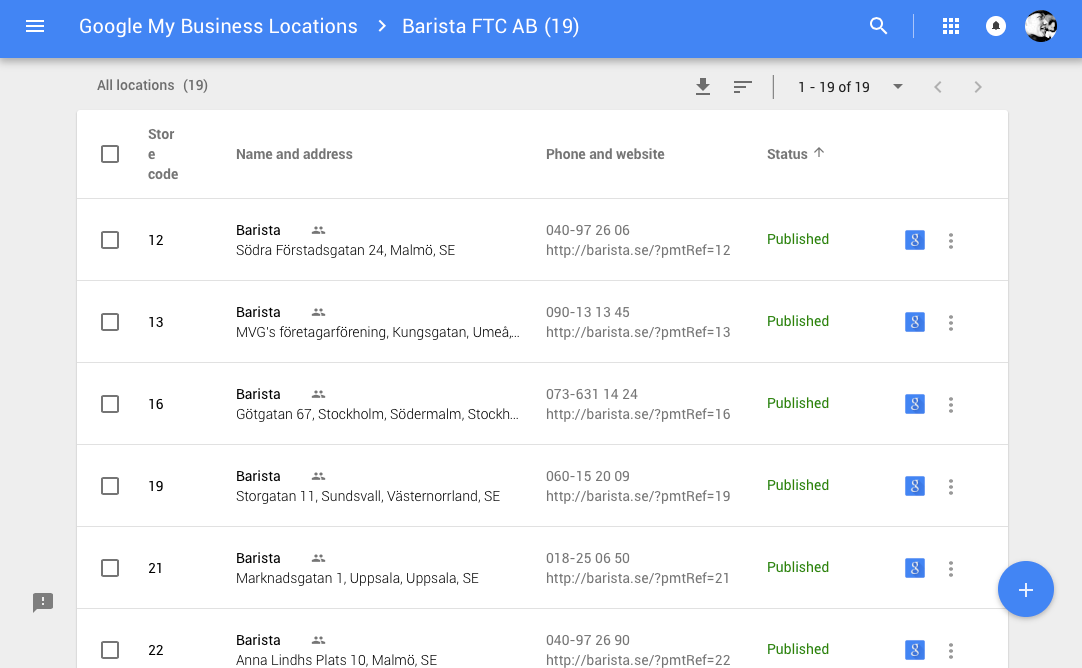
With Google Business Profile, you can manage multiple locations from one place with a simple bulk location management tool. If you need to change opening hours, description, categories you can do it in one place instead of changing each location individually. A listings management platform makes this even easier by syncing your data across Google and other directories simultaneously.
ProTip #2 - Create A Business Account
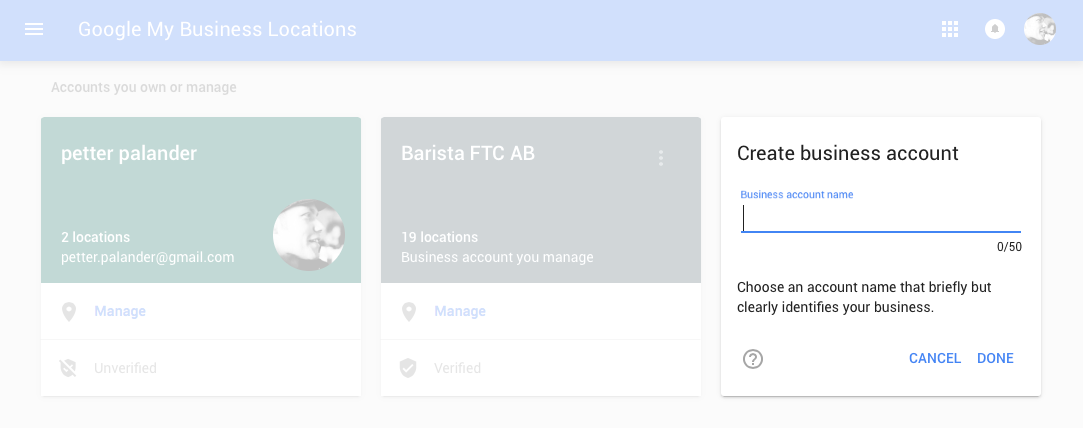
Create a dedicated Google Business Profile account for your company rather than using a personal Gmail. This keeps ownership with the organisation and makes it easier to manage team access as people come and go.
ProTip #3 - Add All Your Locations
Make sure every single location is listed on Google Business Profile, even smaller or newer ones. Locations that are not on Google simply do not exist for the majority of potential customers searching nearby.
ProTip #4 - Claim Your Locations
might already be on Google. Make sure you own them so you can control the appearance and information people see. As long as you have not claimed your locations anyone can edit and suggest edits - the problem is that people believe you’re the source of information since it’s your place.
ProTip #5 - Remove Duplicate Locations
People want to know where to go, how to get there, and if it’s open. This is the first thing that Google sees. Make sure people can find you and know when you’re open. People stop believing in a brand if it gives them false information, like sending them to a place they thought was open but was actually closed.
ProTip #7 - Add Logo and Photos
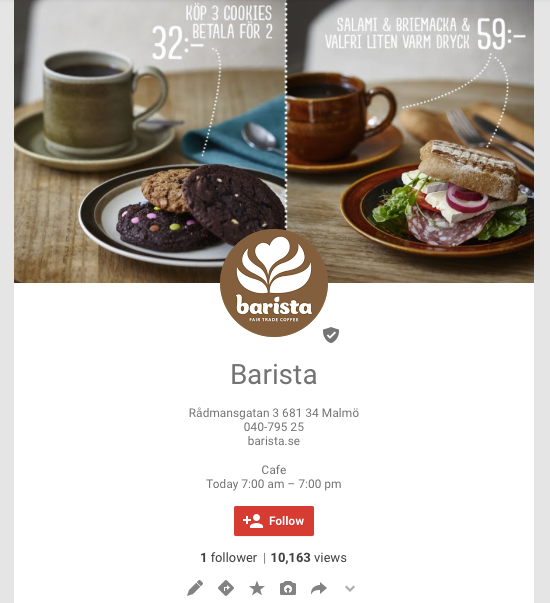
Upload your official logo and high-quality photos of each location. Businesses with photos receive significantly more requests for directions and clicks to their websites compared to those without.
ProTip #8 - Select Categories
Choose the most accurate primary category for your business and add relevant secondary categories. The right categories help Google show your locations for the searches that matter most.
ProTip #9 - Add Labels
Use labels in Google Business Profile to organise your locations by region, format, or any other grouping that makes sense for your business. Labels make it easy to filter and compare performance across different groups of stores.
ProTip #10 - Spread The News
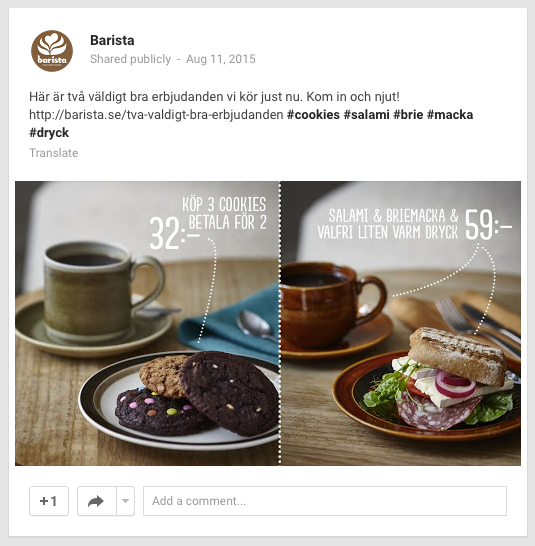
Use Google Posts to share updates, offers, and events directly in search results. This is free advertising space that puts your message in front of customers right when they are searching for you.
ProTip #11 - Engage With Your Audience
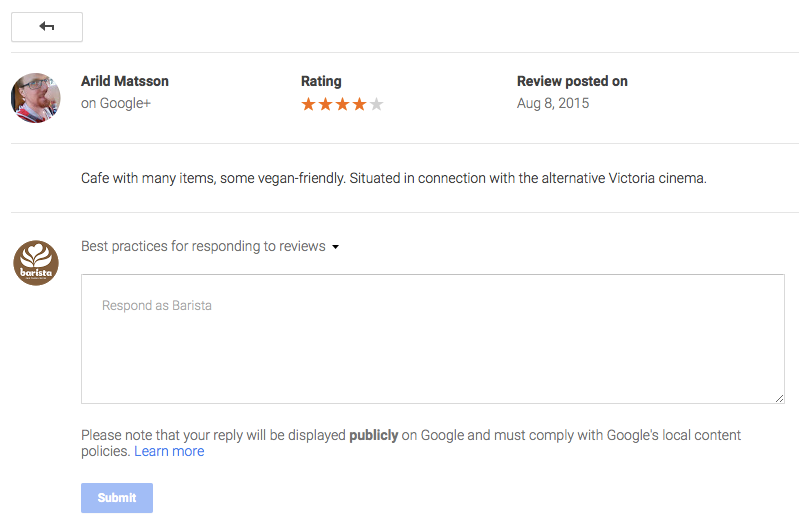
Respond to customer reviews, both positive and negative. A thoughtful response shows potential customers that your brand cares about the experience at every location.
ProTip #12 - Start Measuring
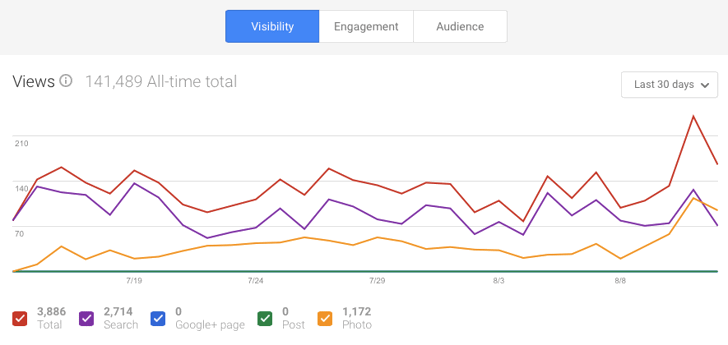
Use the insights of your locations to see where the views are coming from, how people interact with your posts, and how many people click on driving directions and make phone calls. These are great ways to figure out where you are!
Make It Easy With PinMeTo
PinMeTo lets you manage all of these tasks across hundreds of locations from a single platform, saving your team hours of manual work every week.
Recommended Articles
How to Respond to Google Reviews at Scale Without Sounding Like a Robot
Manage review responses across dozens of locations without losing authenticity. Templates, timing, and a workflow for enterprise-scale review management.
Daniel Melkersson
Google Business Profile Best Practices: The 2026 Playbook
Master Google Business Profile best practices in 2026 with data-backed strategies for multi-location brands to boost local visibility and drive conversions.
Astghik Nikoghosyan
Understanding Google Local Algorithm for Multi-Location Brands
Boost your multi-location brand’s visibility by mastering Google’s local algorithm. Learn actionable tips on optimizing your profile, reviews, and local SEO strategy.
Lily AdamyanFrequently Asked Questions
How do I manage Google Business Profile for multiple locations?
What are the most important Google Business Profile tips for chain businesses?
Why is it important to claim all my business locations on Google?
Subscribe to Our Newsletter
Get local SEO tips, product updates, and marketing insights for multi-location brands delivered to your inbox.
Ready to boost your local visibility?
See how PinMeTo helps multi-location brands manage listings, reviews, and local SEO at scale.
Book a Demo